
TL;DR:
MediaZilla celebrates 12 years of empowering video professionals with secure delivery, stunning video presentations, and flexible monetization tools. Built around customer feedback, MediaZilla continues to improve workflows, viewing experiences, and business growth opportunities. Thank you to our community for shaping this journey and inspiring what's next.
You delivered the video. But did your client receive it? Is it playing the way you intended? And are your sales numbers telling the truth?
Creating great videos is only half the job. Behind every successful delivery are dozens of details, from keeping track of clients and managing projects to ensuring smooth playback and monitoring sales.
We've introduced 12 improvements since August 25 to help you handle those details with less effort. From smarter dashboards and easier customer management to better picture quality and more accurate reporting, here's what's new in MediaZilla.
Smarter Project Management, Better Client Connections
1. Track Every Email Delivery in One Place
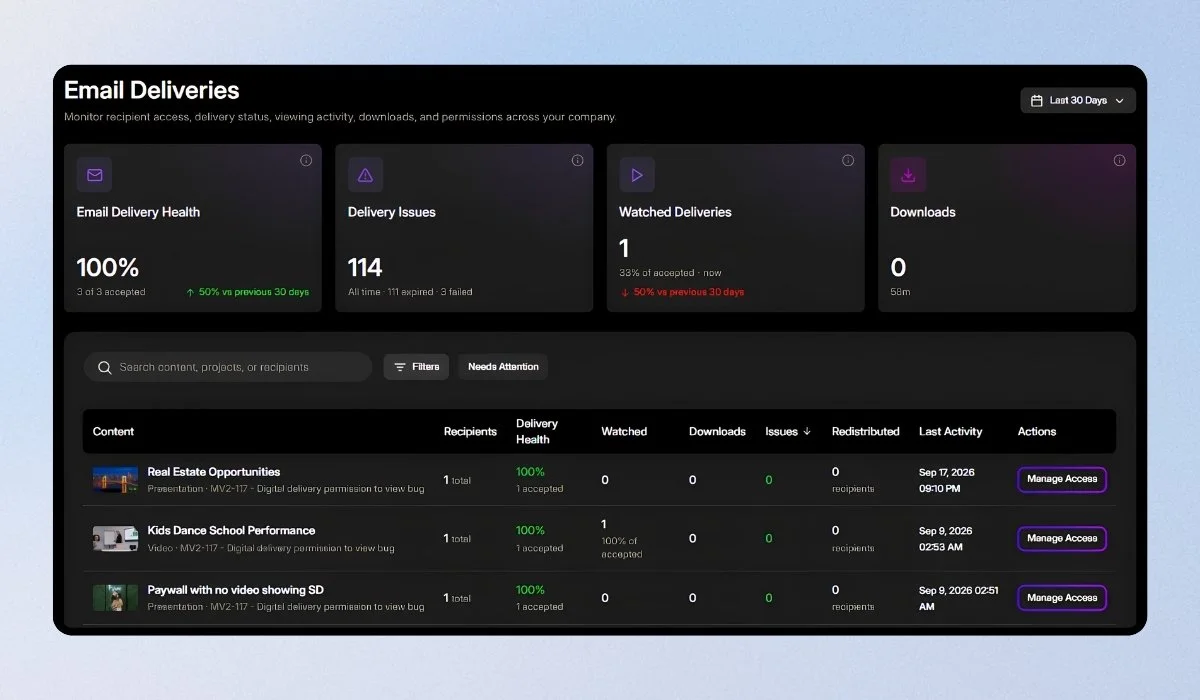
Sent the video, but not sure it arrived? The new Email Deliveries page gives you a complete account-wide view of your delivery history. Search deliveries, filter by project or status, and use Needs Attention to identify emails that didn't reach their destination.
No more opening projects individually to figure out what happened. Everything you need to investigate delivery issues is now in one place.
2. Let Your Dashboard Show You What Needs Attention
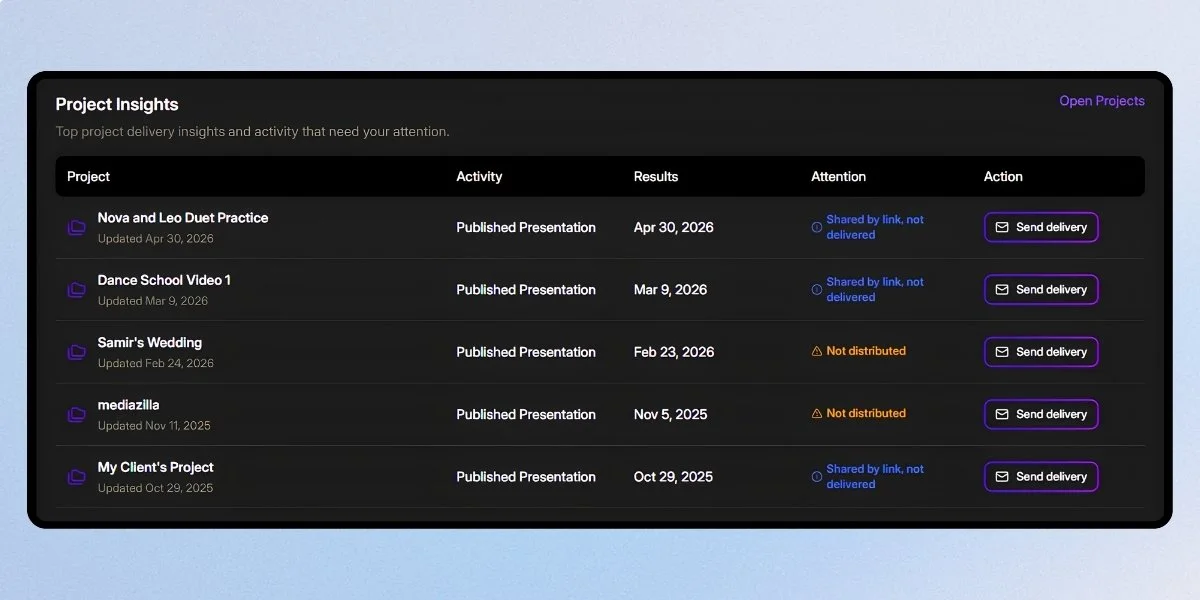
When you're managing multiple projects, it's easy to miss important activity. Project Insights helps you identify projects that need attention based on engagement, viewer drop-off, and revenue signals.
Each insight links directly to the relevant project, so you can move from identifying an issue to taking action without searching through your account.
Both features are available in the new MediaZilla dashboard. Click Try the new dashboard at the top of your current dashboard to explore them.
3. Export Your Complete Buyer and Recipient Lists
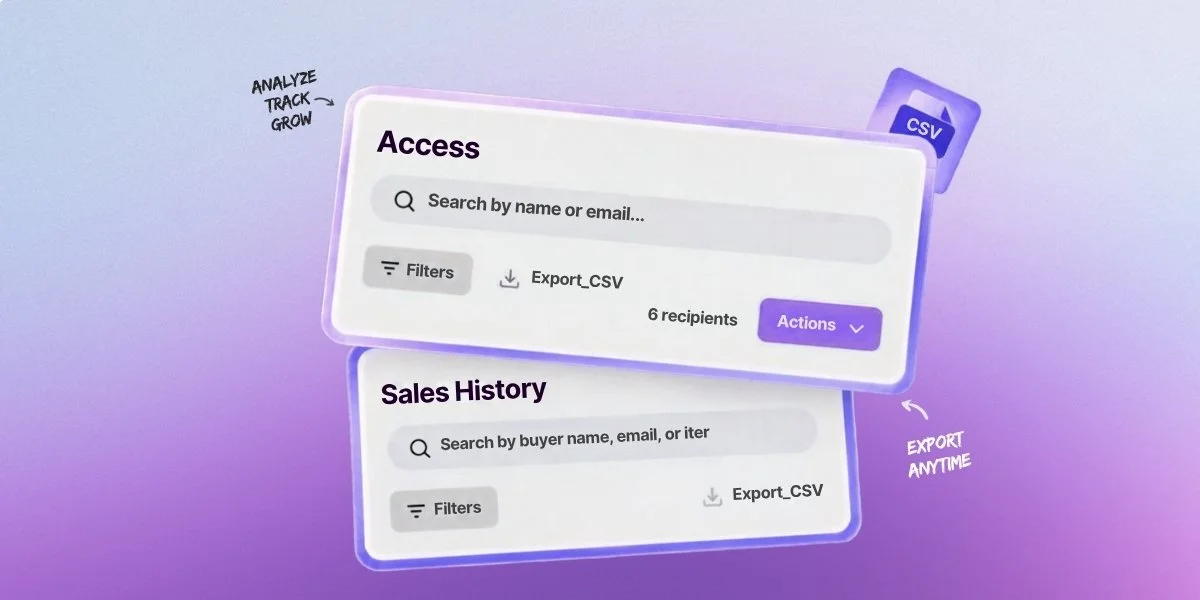
Need to review purchases, prepare a client report, or organize your contacts? You can now export complete Access recipient lists and Sales buyer lists as CSV files, including dates and purchase amounts in sortable columns.
Open the files in Excel or Google Sheets to review transactions, organize records, or prepare your next customer outreach without manually copying information.
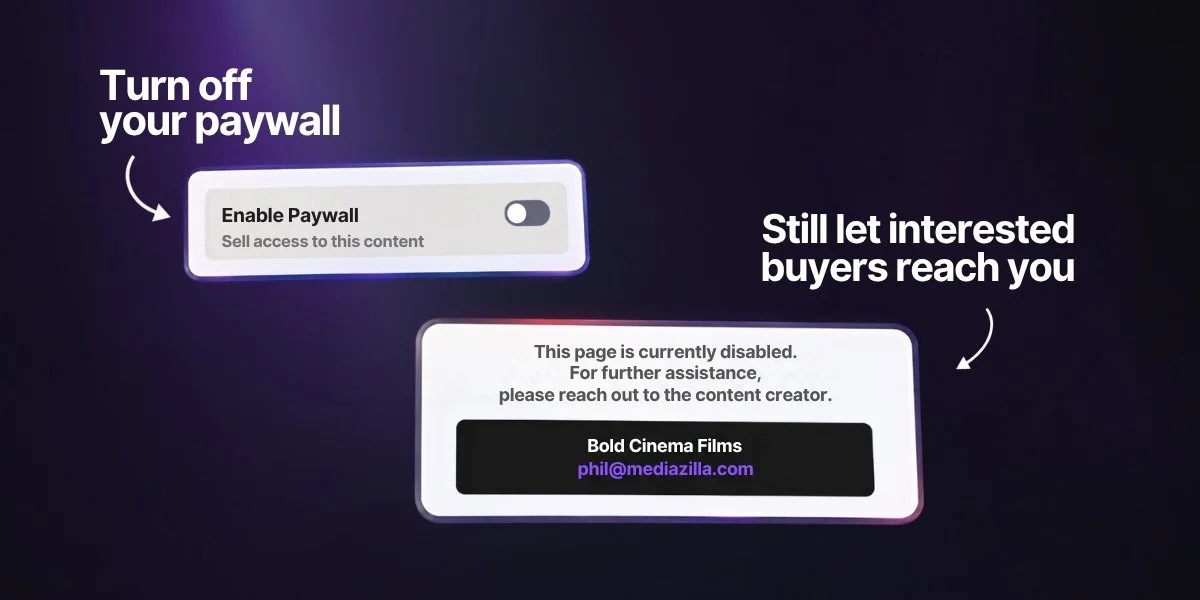
4. Keep Interested Buyers From Reaching a Dead End
What happens when someone wants to buy your video but your Paywall is turned off?
Instead of leaving them without a next step, MediaZilla now displays your contact email, giving interested buyers a direct way to reach you.
A potential sale doesn't have to disappear just because purchasing is unavailable.
Make Every Frame Look Its Best
You put time into color grading, editing, and choosing the perfect moments. Your viewers should experience that same attention to detail.
5. Better HDR Colors on Standard Displays
Your color grade deserves to look right on more screens. MediaZilla now applies improved color correction when HDR10 and HLG footage plays on standard-range displays.
This helps preserve a more natural balance of color and contrast instead of producing the flat, washed-out appearance that HDR conversions can sometimes create.
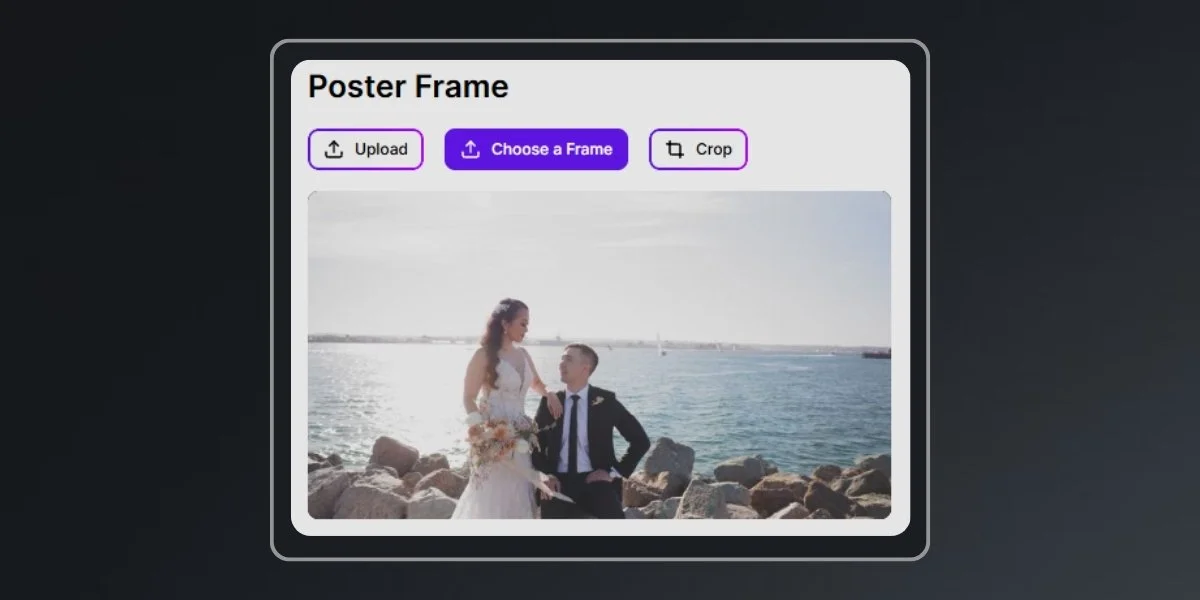
6. Poster Frames That Match Your Videos
Your poster frame creates the first impression before anyone presses play. Poster frames captured from HDR sources now receive the same color treatment as the video itself.
That means the preview image better reflects the content behind it, creating a more consistent and polished presentation.
7. Faster, More Reliable Poster-Frame Capture
Found the perfect moment for your thumbnail? Capturing it should be simple.
MediaZilla has improved poster-frame capture to make it faster, more accurate, and more reliable, including for longer videos that previously could fail during capture.
Whether it's a short highlight film or a three-hour concert, choosing a poster frame is now easier.
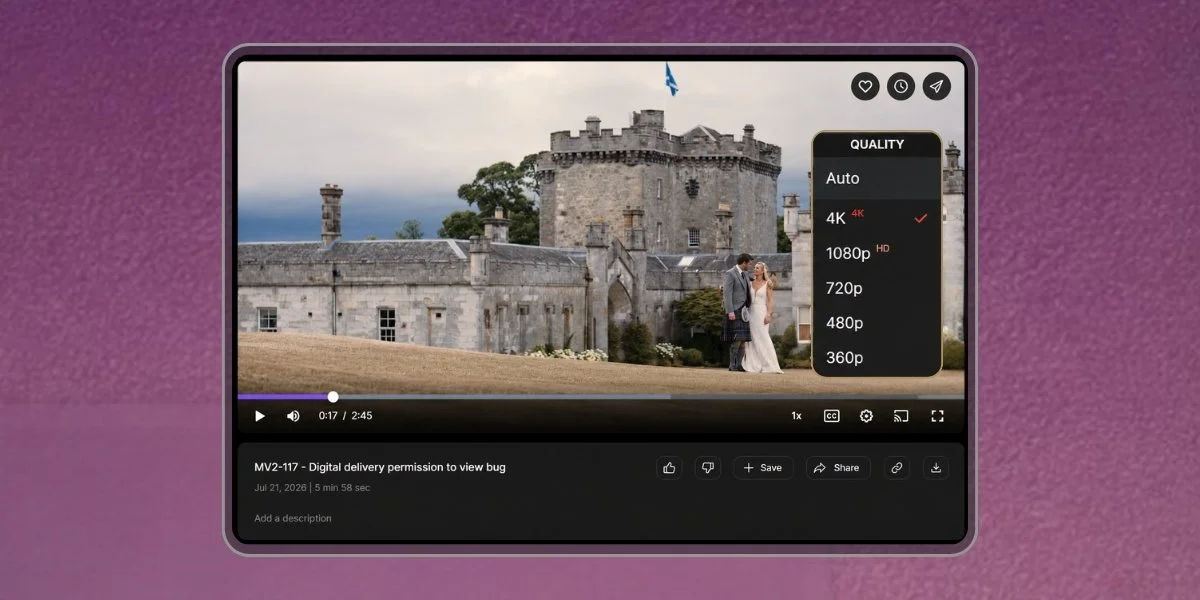
8. Smooth 4K Playback in Desktop Safari
Your 4K video shouldn't get stuck on a loading screen.
We've fixed an issue where selecting 2160p in desktop Safari could cause continuous buffering. The player now also hides quality options that a viewer's browser cannot support.
Your clients can enjoy high-resolution videos without encountering that specific playback issue.
9. Vertical Videos Now Show the Right Dimensions
A portrait video should be identified as a portrait video.
MediaZilla now accounts for rotation information when displaying dimensions for newly uploaded videos, so vertical footage shows the correct orientation rather than its unrotated dimensions.
It's a small improvement that makes your video information more accurate.
Make Business Decisions With Numbers You Can Trust
When you're reviewing sales and performance, accurate numbers matter. We've improved several calculations to give you a clearer picture of what's actually happening.
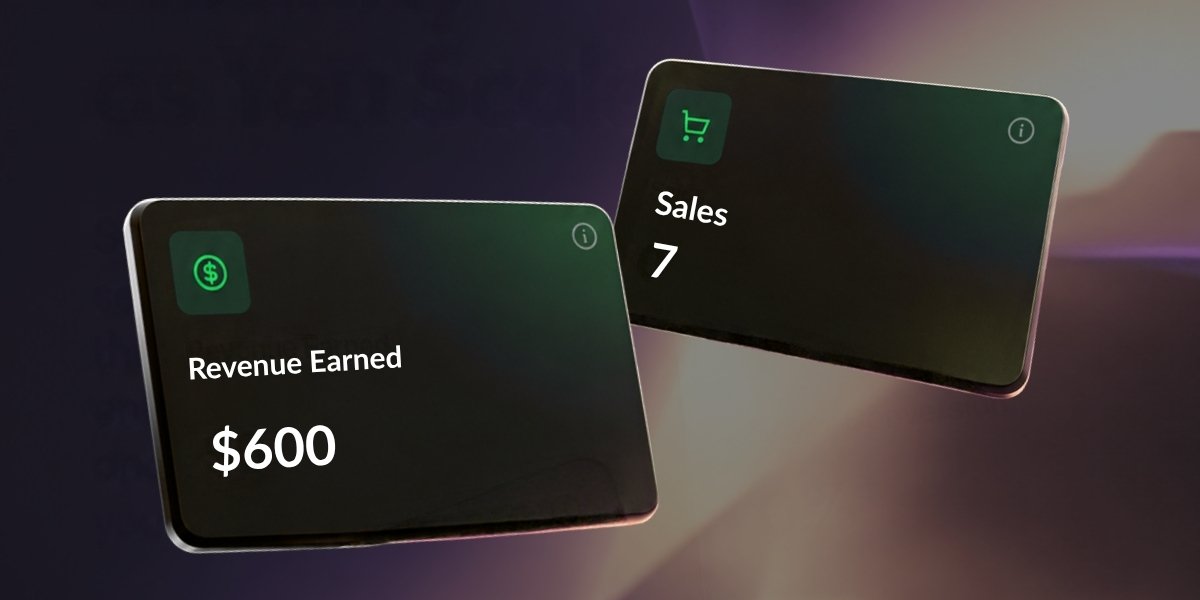
10. Revenue Now Reflects Completed Purchases
A checkout isn't a sale until the purchase is complete.
MediaZilla's Sales and Revenue figures now count completed purchases only, excluding transactions that are still pending.
This removes inflated totals and gives you a more accurate view of completed sales.
11. More Accurate Buyer Conversion Reporting
Your conversion rate should reflect how viewers actually respond to your offers.
MediaZilla now measures Paywall and add-on conversions separately, preventing overlapping viewer activity from inflating conversion percentages.
You get a clearer understanding of how each purchasing option performs, making your sales data more useful.

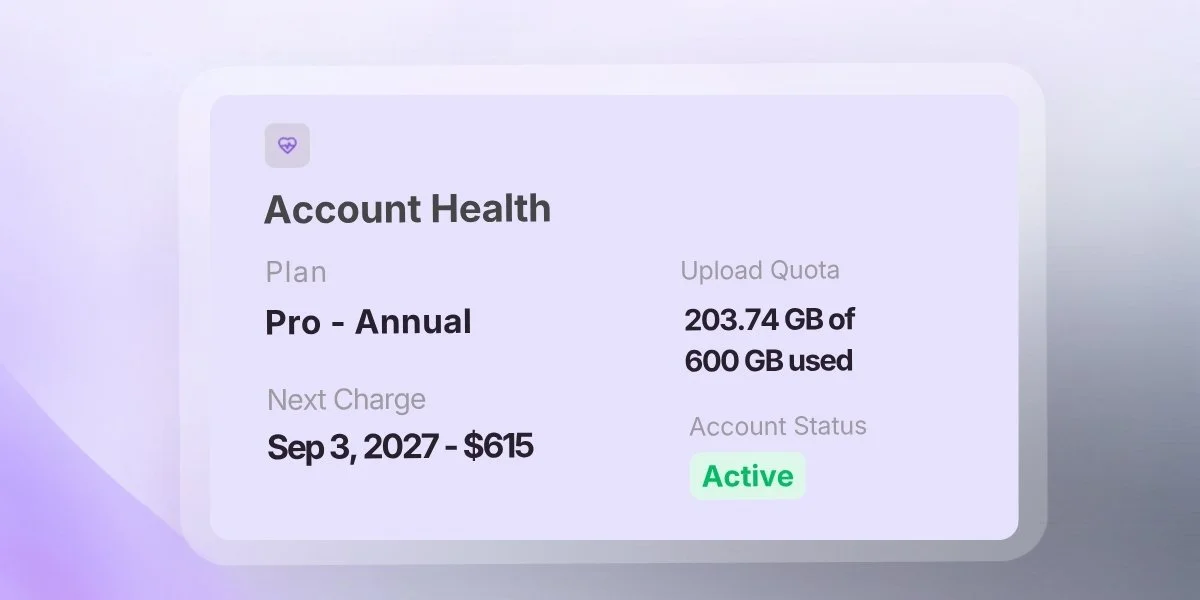
12. Storage Numbers That Match Your Plan
If your plan includes 600 GB, your account should show 600 GB.
We've corrected the upload allowance displayed in Account Health, so it now matches the plan size shown in your sidebar and billing information.
No confusing differences between pages. Just consistent information about your upload allowance.
Explore What's New
More Clarity. Better Experiences. Less Guesswork.
These 12 updates are about making the everyday parts of running your video business easier. From tracking deliveries and improving playback to managing customer information and reviewing sales, every improvement helps you stay more informed and in control.
Ready to Explore?
Explore the latest MediaZilla updates.
More improvements are coming. Stay tuned!